

Servo Accessories & Replacement Gear Sets
Replacement gears, servo mounting washers, servo testers, program cards and cables for your servo.
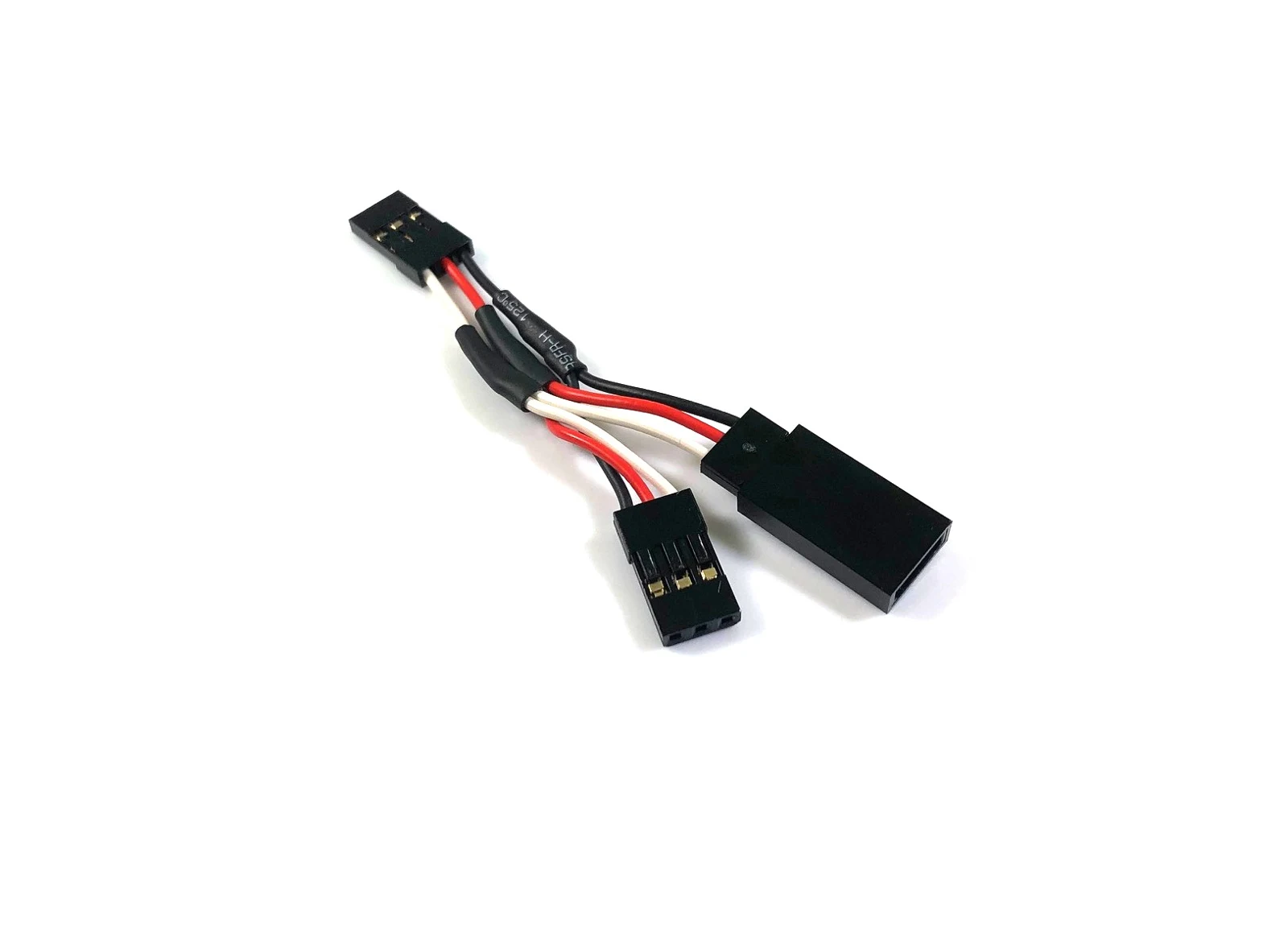

JR Y-Cable
Genuine Absima accessory – JR Y-Cable.
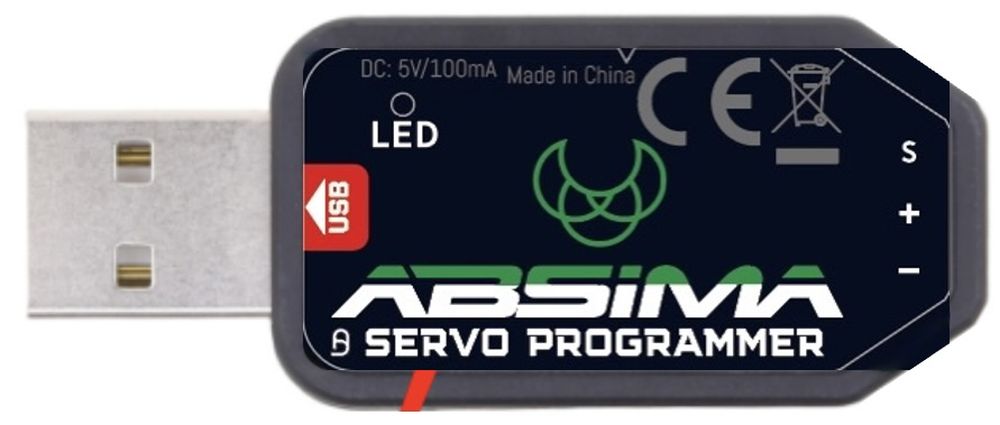
Interface USB Adapter
This USB adapter is only applicable for ABSIMA programmable servos marked with SMART SERVO. suitable for the following programmable Absima servos:ST23DBF Team Spec.ST50DBT Team Spec.LP16DBF Team Spec.LP20DBT Team Spec.ST18DBF Race Spec.ST40DBT Race Spec.LP15DBF Race Spec.LP19DBT Race Spec.LP34DBT Crawler Spec.System Requirements1. operating voltage: USB(5V/500mA).2. operating system: Windows XP/Windows Vista/Windows 7/Windows 8/Windows10 ( 32/64bit).3. application: ABSIMA programmable servos with "SMART SERVO" marking. THE NECCESSARY SOFTWARE CAN BE FOUND HERE ABOVE IN THE "DOWNLOAD" TABParameter Einstellungen: 1. Servo-Angle: set the servo rotation angle.2. Servo-Neutral: Adjust the servo neutral position Note: If the transmitter rotates to the neutral position and the servo does not stay in the appropriate position, you can change this value to adjust the servo horn. This is equivalent to trimming the transmitter channel. 3. PWM Power: Set the servo output power. The higher the output power, the higher the servo torque and the speed, but also the power consumption is higher.4. Damping factor: Set the damping of the servo.5. Sensitivity: Set the deadband (sensitivity) of the servo.6. Soft Start: Slow recovery when the servo is turned on. As soon as the servo is switched on, it will rotate smoothly to the position of the current input signal. Note: This function is used to prevent damage caused by incorrect mounting of the servo when switching on.7. Inversion: Setting of normal and reverse rotation of the servo.8. Narrow Band: FUTABA SR-Modus9. SANWA SSR: SANWA SSR-Modus. Note: Enable this function to support the SANWA SSR high speed mode. The servo angle may not be accurate, it needs to be readjusted.10. Lose PPM Protection: Signal loss protection, there are three functions to choose from: a. Release: Non-Protection b. Maintain position: Remains in the position before the signal loss c. Neutral position: Back to neutral position (1500uS position)11. Overload protection: Set the servo blocking protection. There are three levels, which are activated by ticking: Stage 1: Set the start time and power value of the primary protection. Stage 2: Setting the start time and power value of the secondary protection. Stage 3: Setting the start time and the power of the tertiary protection. Note: The left side is used to set the protection start-up time, the right side is used to set the output power after the start-up protection is activated.12. Servo-Informationen: Servo-informationen. including servo model, version date and firmware-name. Servo Name: Servo-Model Manufacture: Date of servo version Firmware: Servo firmware name THE NECCESSARY SOFTWARE CAN BE FOUND HERE ABOVE IN THE "DOWNLOAD" TAB
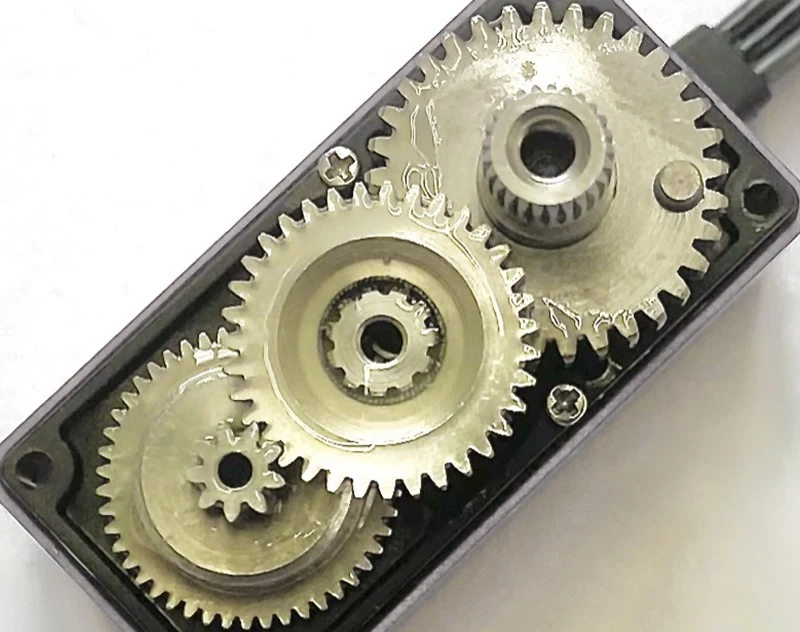
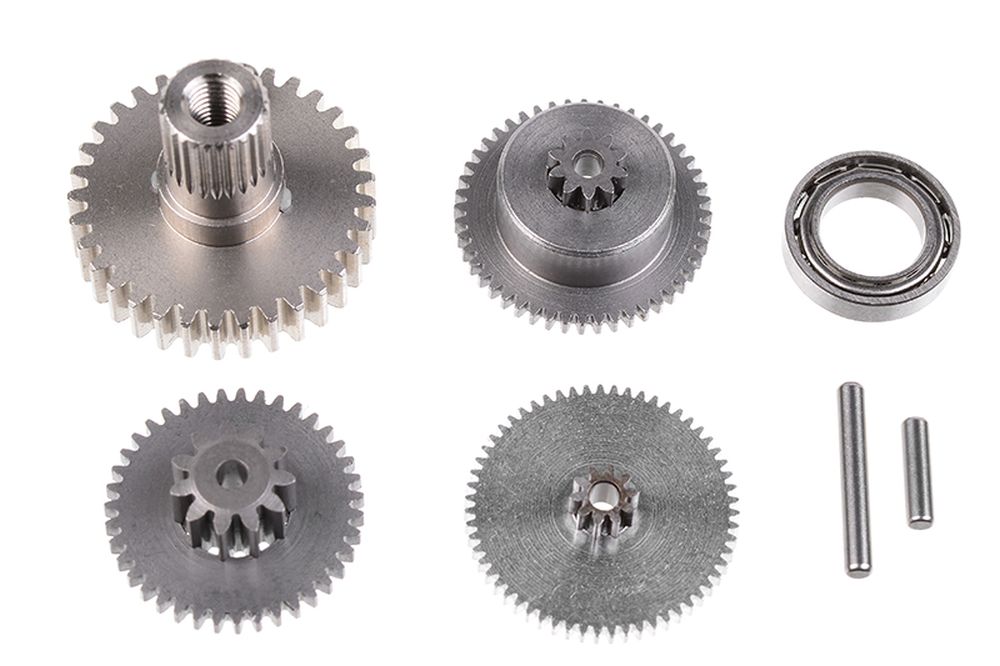
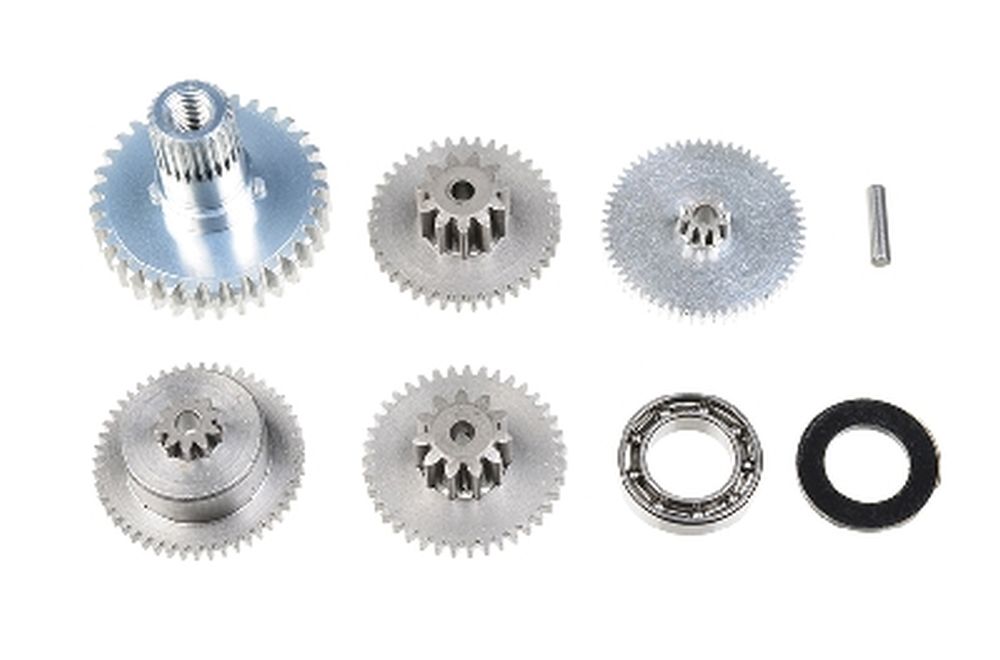
Gear Set for Servo ST18DBF
Genuine Absima accessory – Gear Set for Servo ST18DBF.
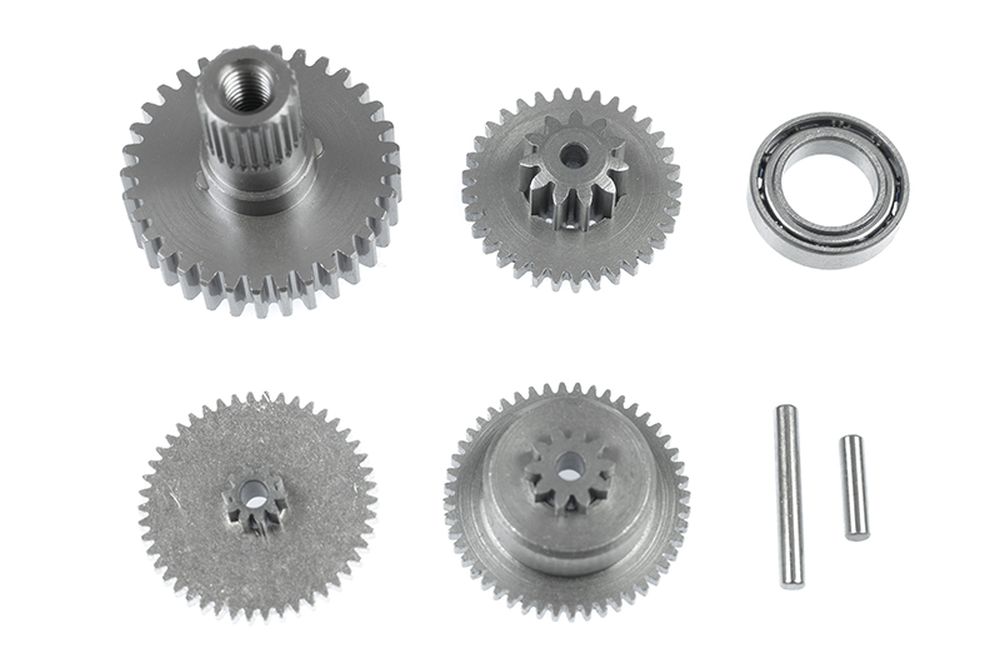

Servo-Gear-Set Corally CS-5226 C-52001
Team Corally - Zahnräder Satz Corally CS-5226

Aluminum Servo Washer M3 Thread (4)
Servo discs for precise mounting and even distribution of the force applied to your servo housing to prevent damage. Threaded spacers allow pre-assembly so that washers are not lost during assembly!

digitaler Multi Servo-Tester
Input voltage: DC/4.8-6VPulse length: 800-2200µsUp to 4 servos can be connected simultaneously and tested synchronouslyDigital display of pulse ratesEasy servo center finding by automatic centering to 1500µs3 modes adjustable:1. S-1 manual mode2. S-2 automatic centering3. S-3 auto run, min-max (repeated)Clocking for digital and analog servos adjustable1. 50Hz anaolog servos2. 125Hz digital servos3. 250Hz digital highspeed servos
Replacement gears, servo mounting washers, servo testers, program cards and cables for your servo.